AI learned language
Large language models can read, write and answer almost any question. But they live on a screen. Ask one for a bottle of water, and it can only tell you where to find it.
To act, AI has to know where things are, how far away they are and what happens when it moves. Gravity, balance and contact all matter. This is physical AI.
A robot has sensors to see and hear, motors to move and a computer to decide. When AI runs on a robot, it can sense, think and act in the real world. This is embodied AI, and it is what you will build.
Every module in this programme puts your code on a real robot, so you see your ideas move in the real world.
Each module opens with a short video lesson. Press play to see what learning in this programme feels like.
Every module ships with a Teacher Guide, a Student Workbook, video lessons, slides, lab guides, code, an assessment pack and a robot lab manual.
Almost everything is free and open source, so there are no yearly licence fees.
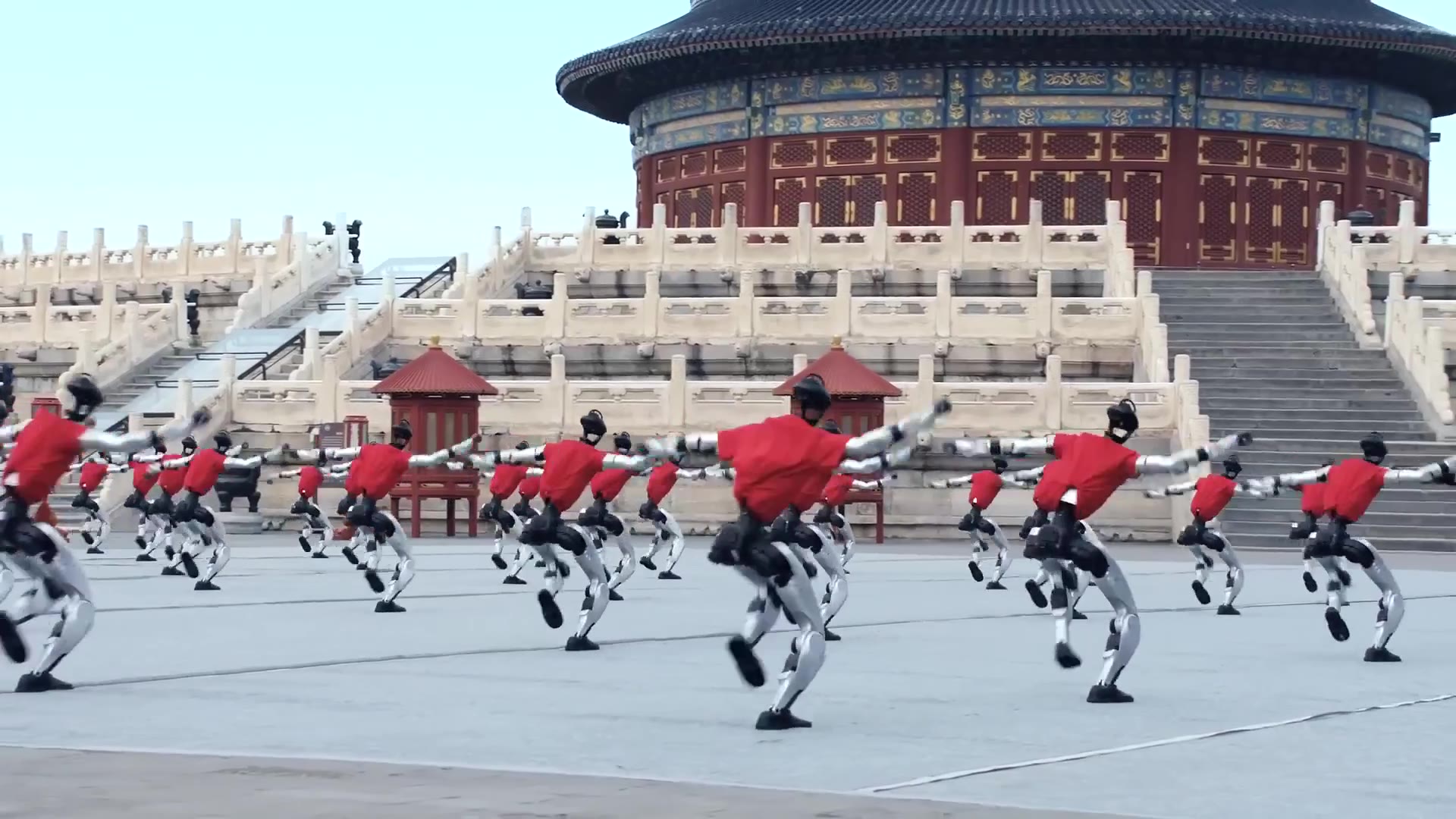
Every class works hands-on with real Unitree robots, with three to five students sharing each robot.

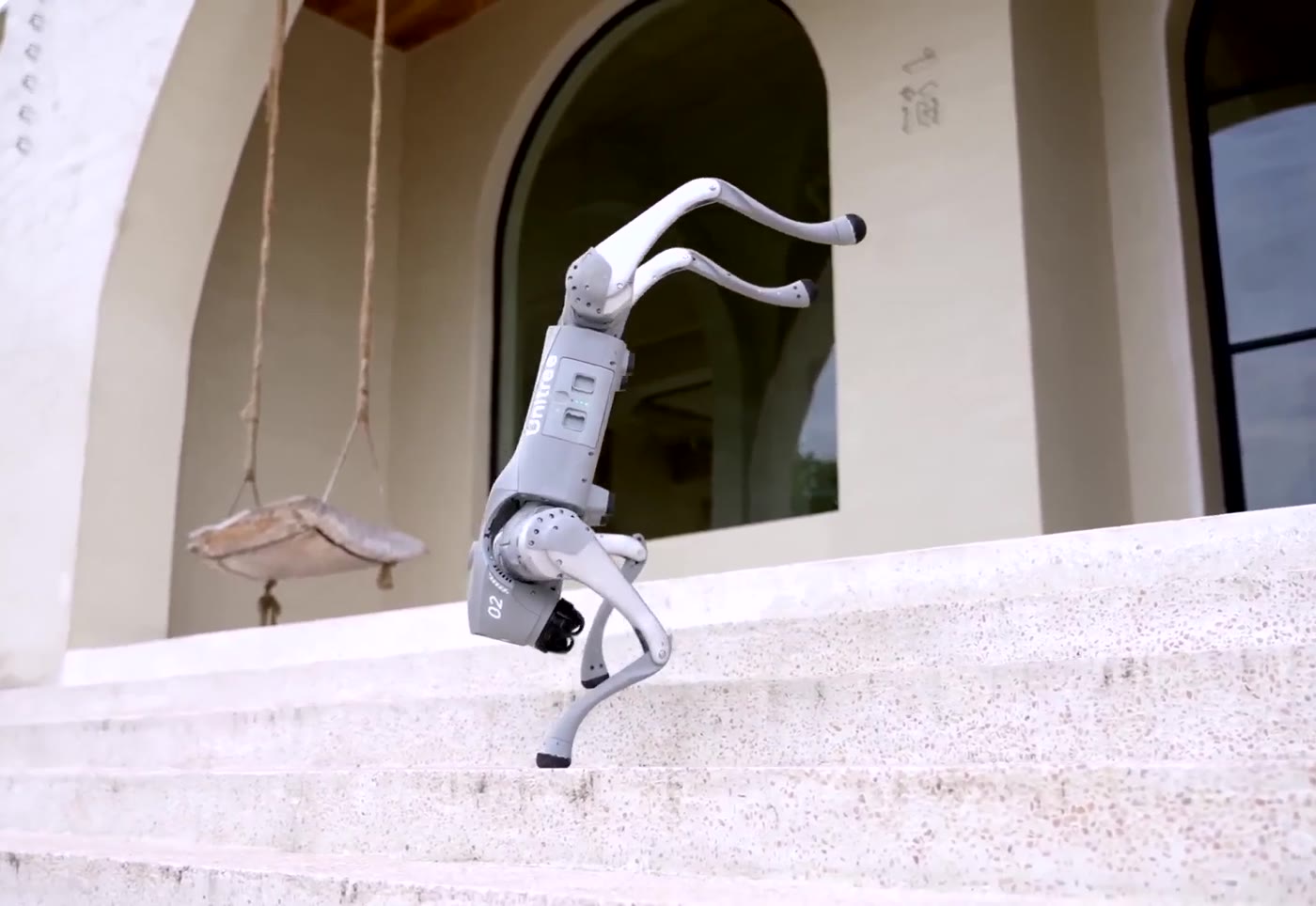
Four-legged robot dog

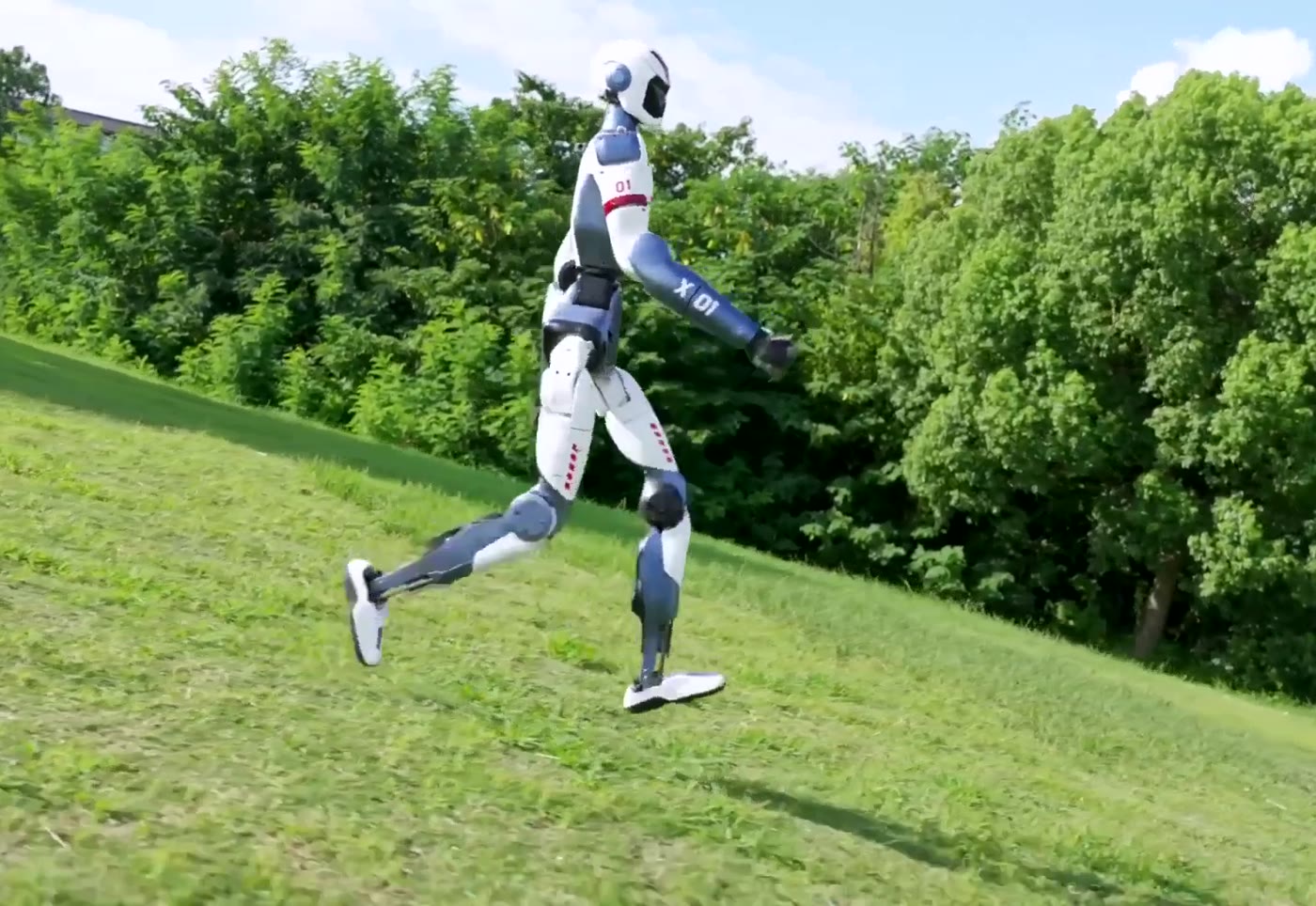
Humanoid robot
Combining KunByte's expert curriculum with Unitree's cutting-edge robotic hardware.
Designs and teaches every lesson, from the first video lesson to the final showcase, with a team of AI and robotics engineers.
Builds the Go2 and R1 robots that students program in class, with the software tools to control them.
No. Robot Explorer starts with visual blocks in the Unitree app, and AI Developer teaches Python from the first lesson. Humanoid Innovator asks for basic Python.
Choose Robot Explorer if you are new to robots, or AI Developer if you want to write Python straight away. Humanoid Innovator and the Innovation Project come after that.
About three to four students share one Go2. In Humanoid Innovator, four to five students share one R1.
Safety comes first in every module. You learn to power the robot on and off, use the emergency stop and keep a safe zone before you drive it. The R1 always works on a safety gantry.
Every module ends with a project you present: a robot show, a smart patrol, a humanoid host, or your own solution to a real problem in your community.
Watch the opening lesson of each module, then pick where you want to start.
Watch Lesson 1